HU-MA, The last Human (Episode 1, free)
A downloadable game for Windows, macOS, Linux, and Android
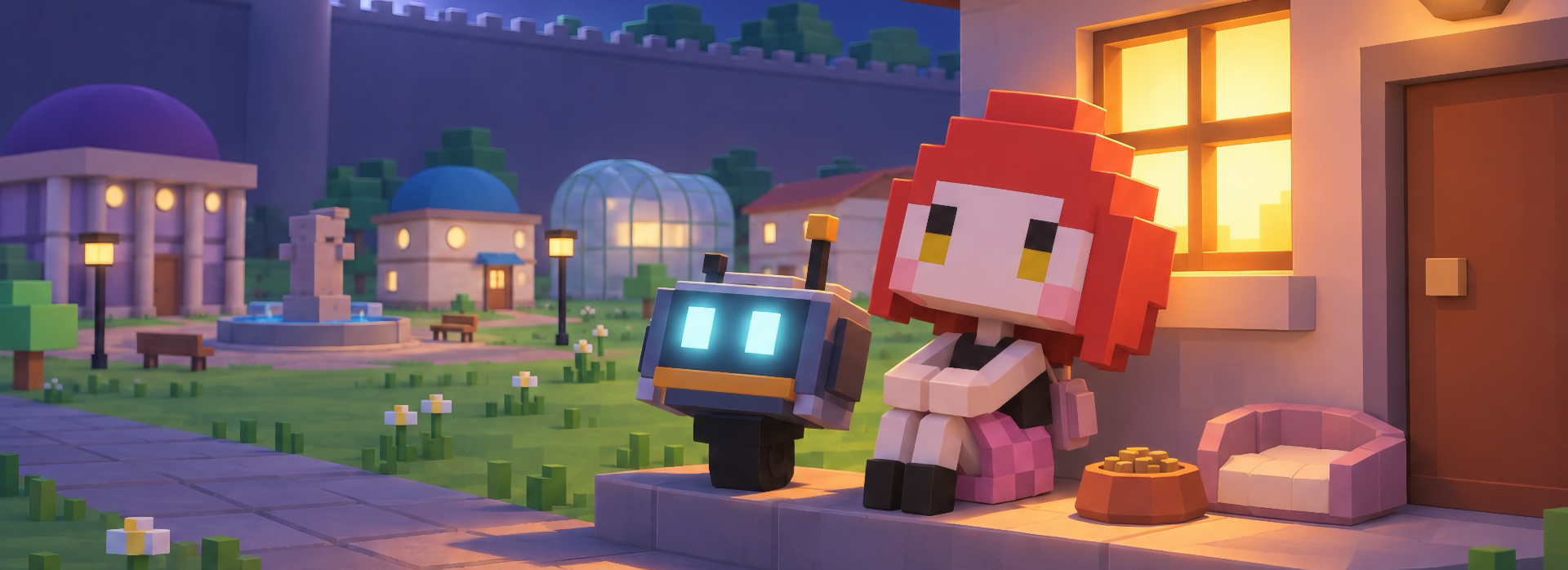
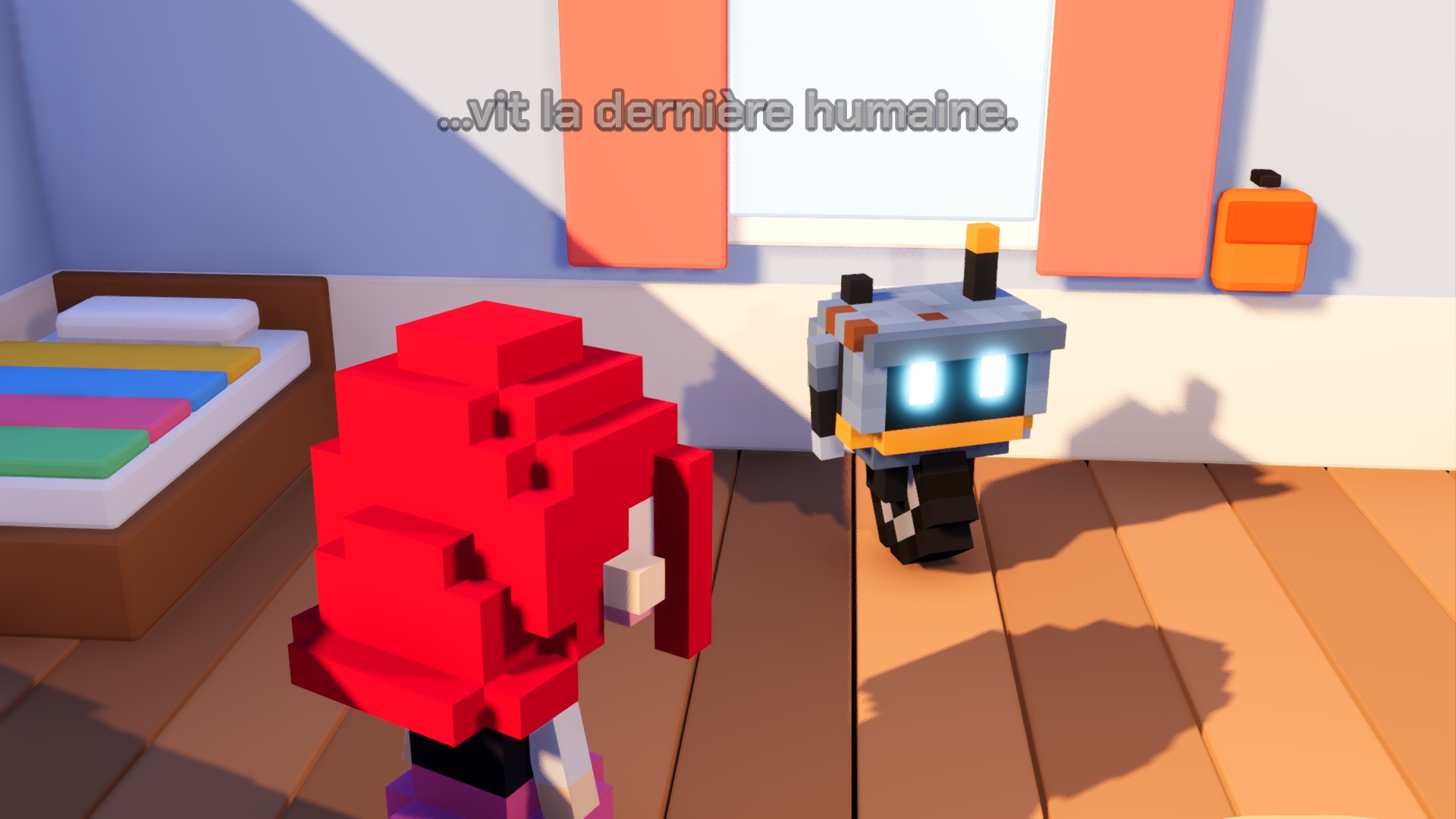
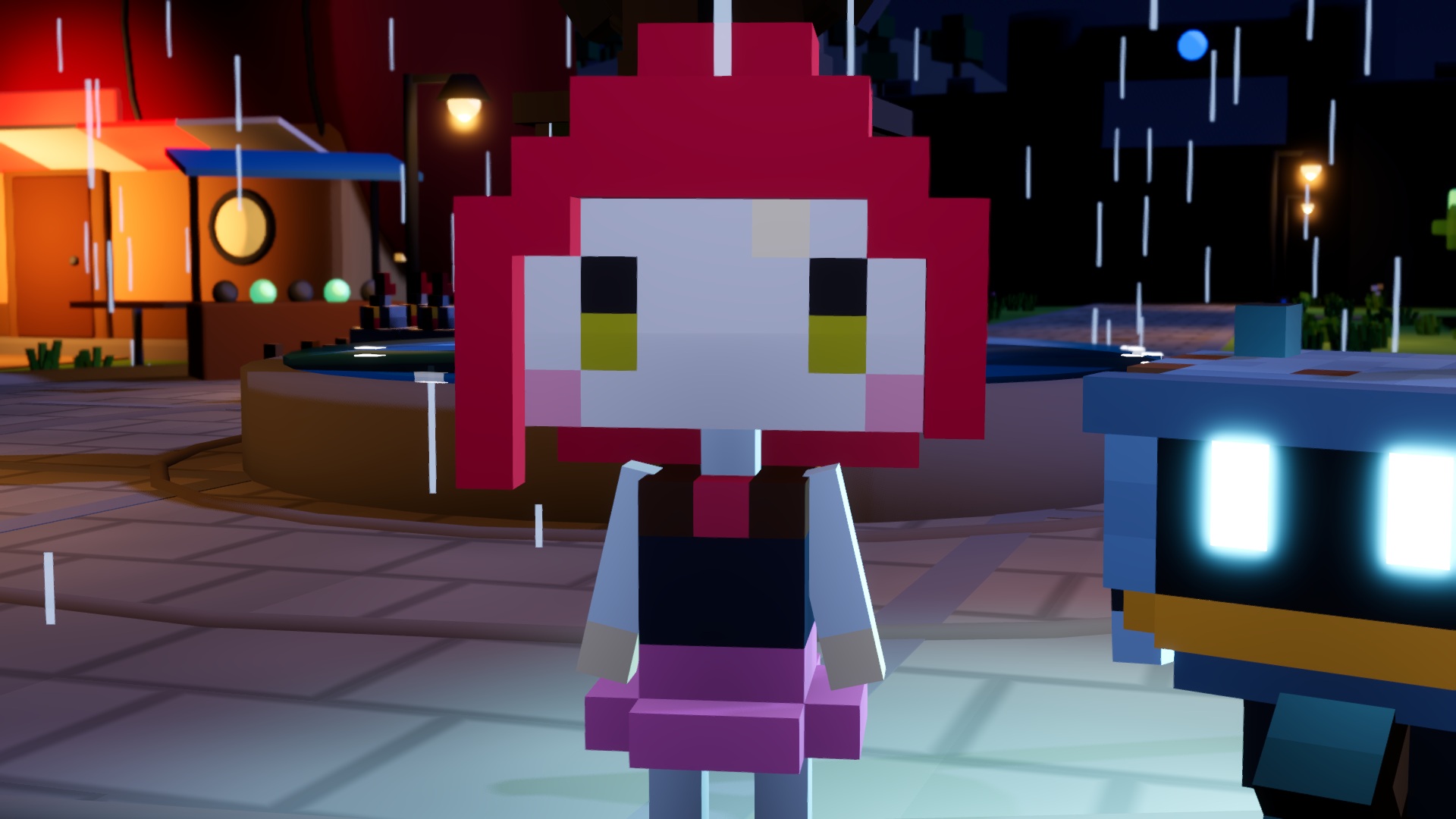
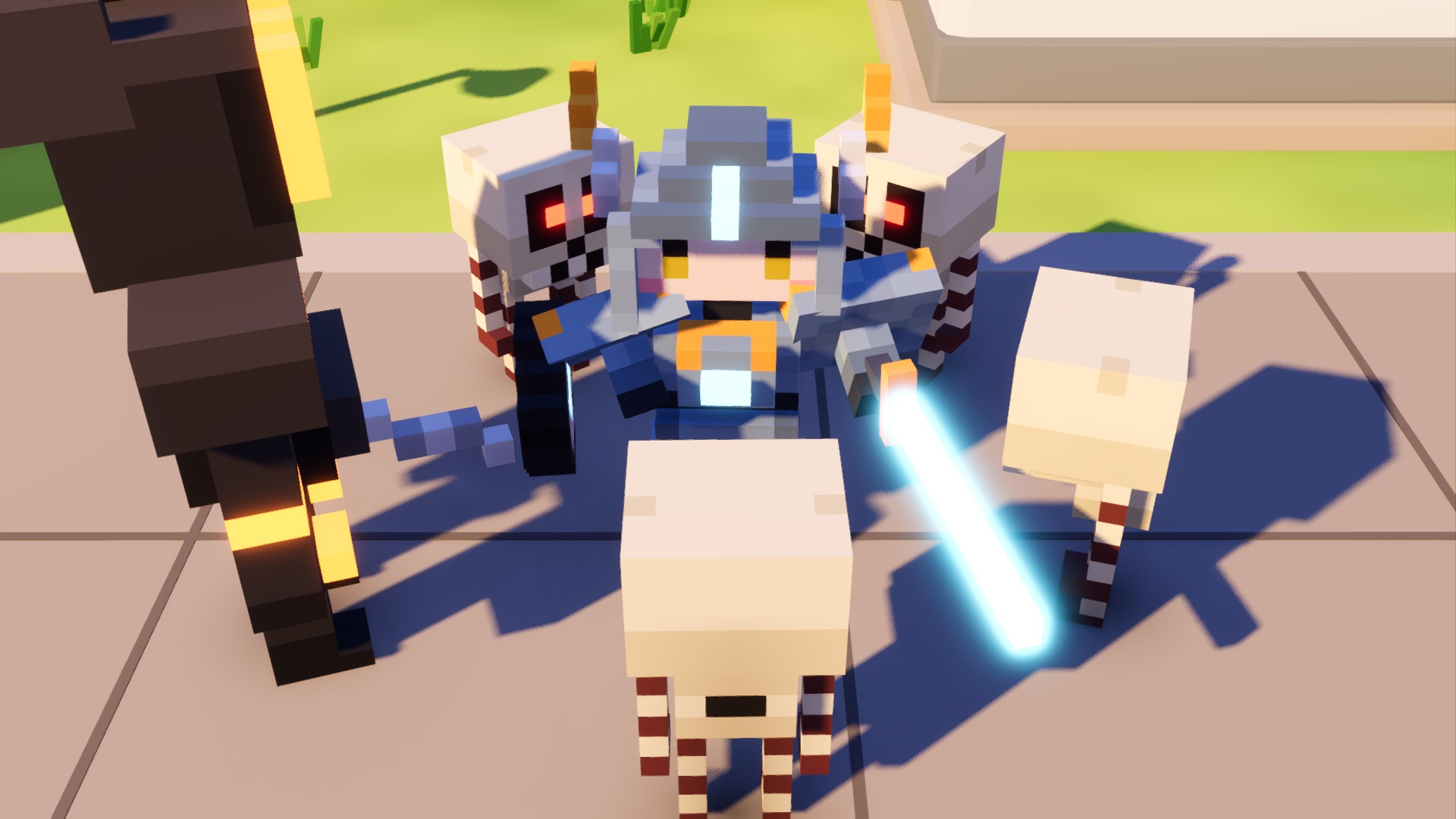
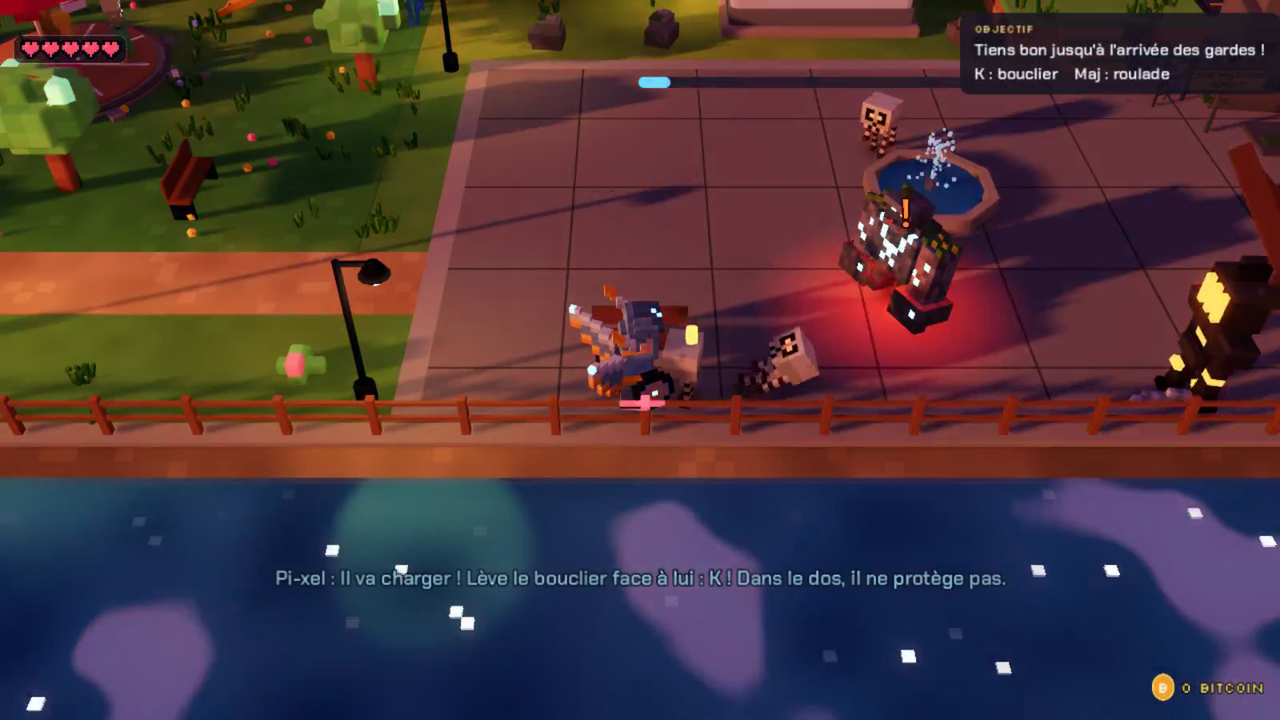
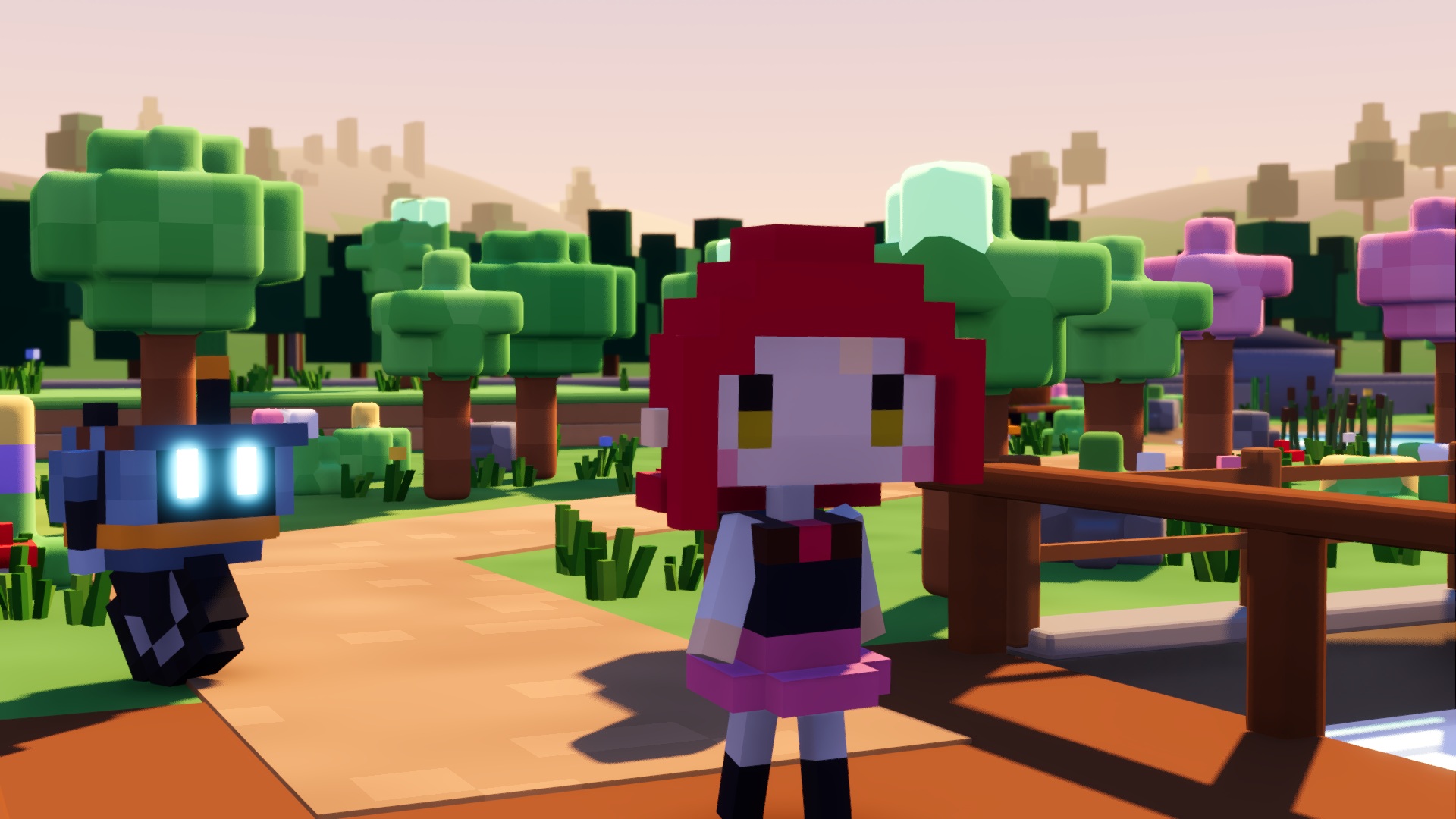
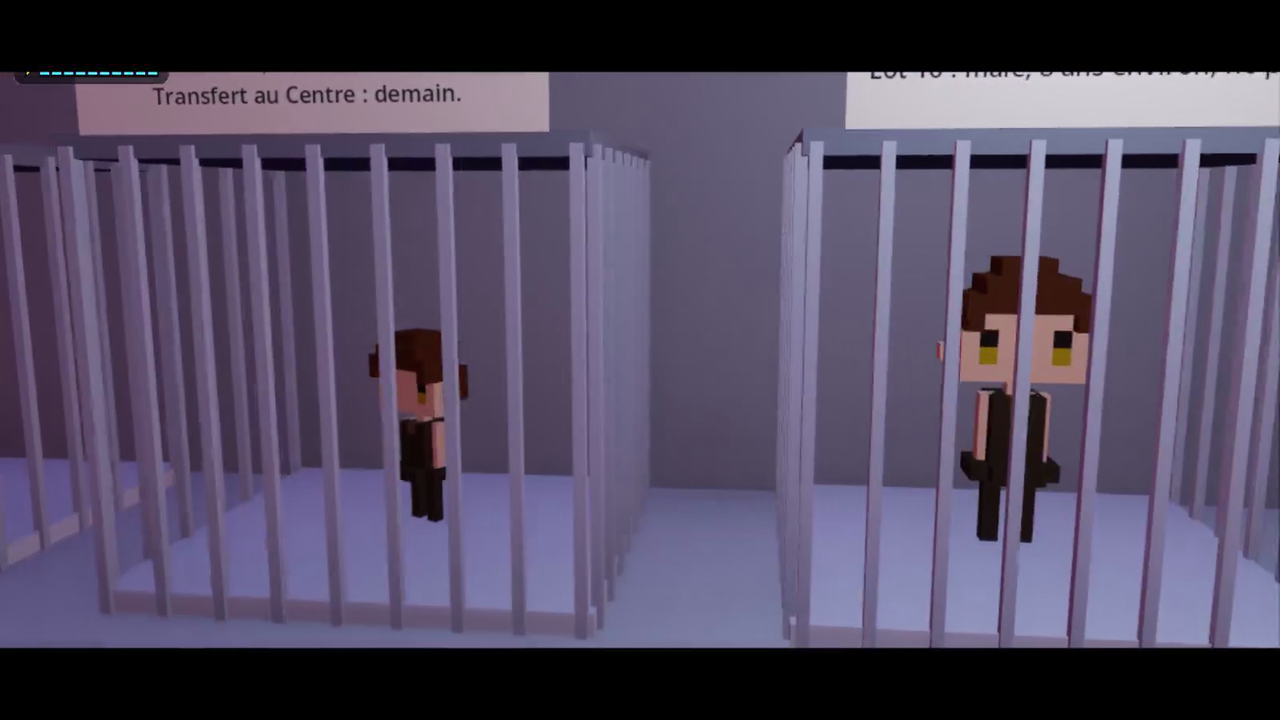
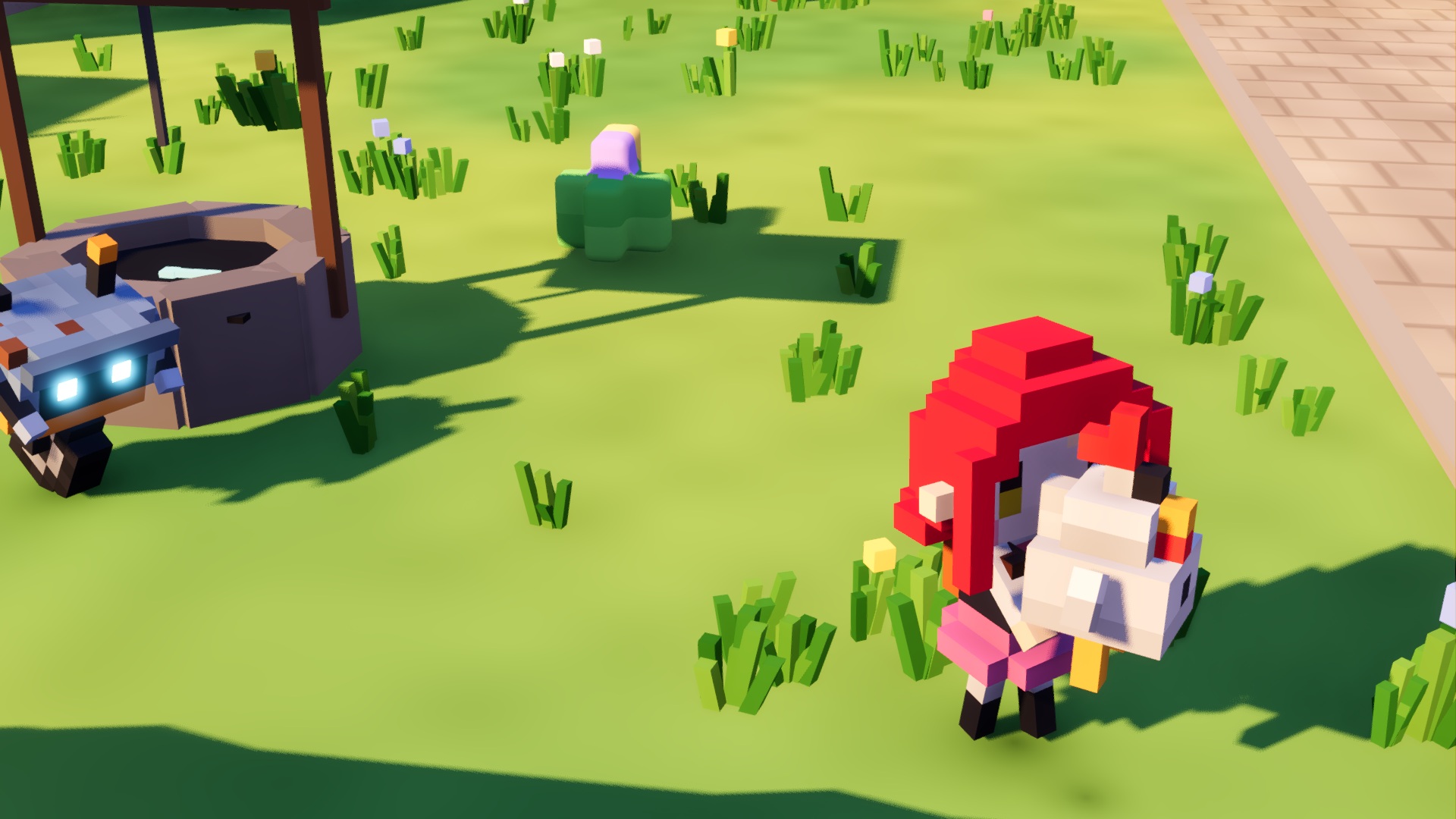
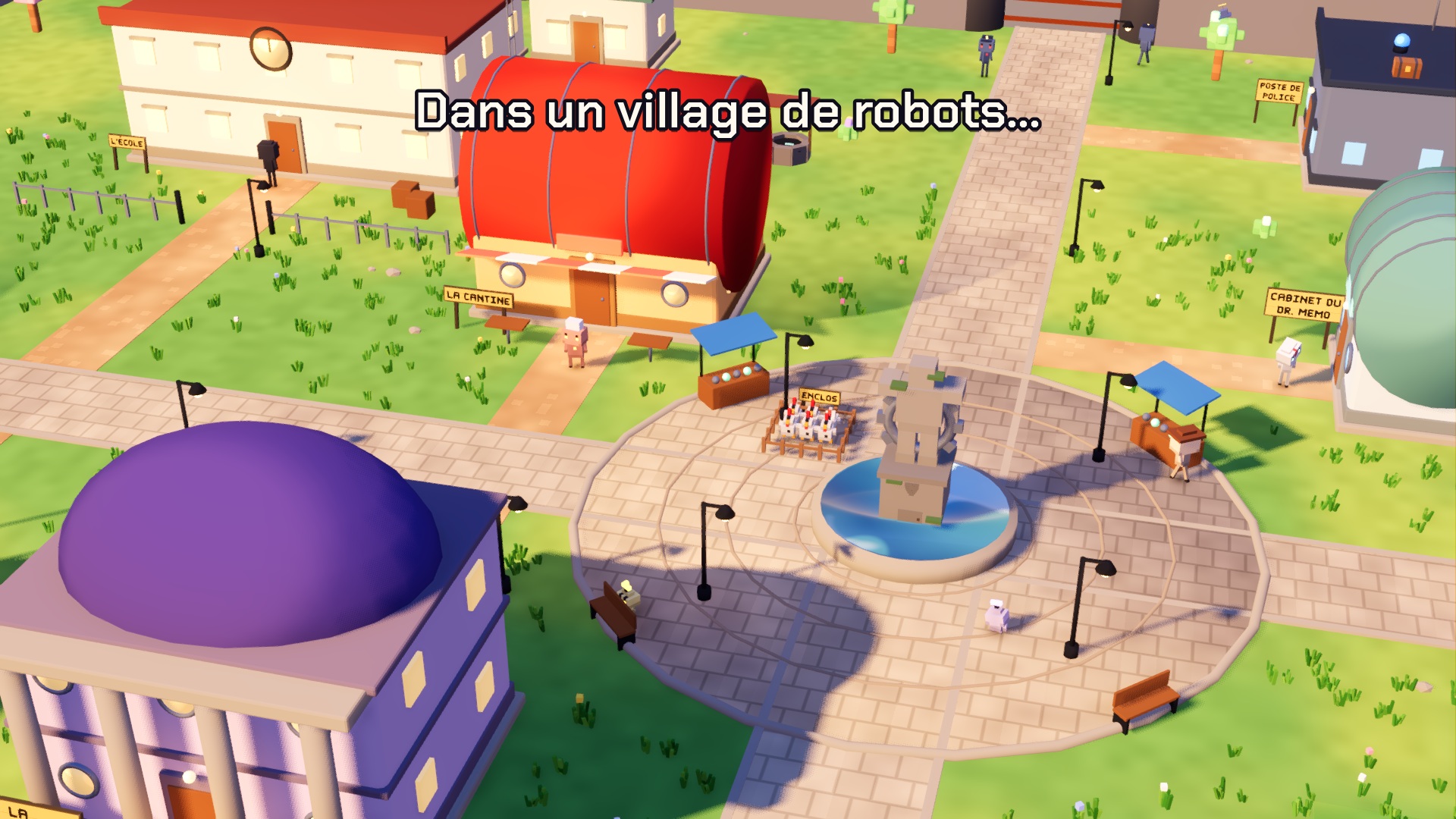
Hu-ma is twelve, has red hair, and a robot family that loves her… the way you love a dog. With Pi-xel, her little unicycle robot that can turn into armour around her, she investigates the village, explores two dungeons, faces forgotten war machines and uncovers what the grown-ups are hiding from her.
- A 3D voxel adventure in the spirit of Zelda.
- Two dungeons: the War Depot and the Duct under the wall, with puzzles, chests and bosses.
- Pi-xel: armour, shield, cannon, a magnetic wheel to ride on walls, a magnet.
- A village investigation, odd jobs paid in Bitcoins, hidden items.
- Keyboard or gamepad. In French, English and Spanish.
Episode 1, what’s next?
HU-MA is an independent project, and this is only the first episode. You decide what happens next: if you enjoy Hu-ma and Pi-xel’s adventure, development of the next episodes will continue.
Every piece of feedback matters. Bugs, parts that feel too hard, ideas, favourite moments: leave a comment at the bottom of this page. Everything is read, and your feedback will shape the next updates and Episode 2.
If you liked it, the best way to support the game is to rate it, follow it and tell your friends.
Controls
| Action | Keyboard | Xbox gamepad |
|---|---|---|
| Move | WASD or ZQSD, arrows | Left stick |
| Jump | Space | A |
| Roll | Shift (tap) | B |
| Run | Shift (hold) | RT (hold in armour: sprint) |
| Interact, talk | E or Enter | X (when no enemy is near) |
| Sword (armoured) | J or left click | X |
| Launcher (armoured) | Hold J, then release | Hold X, then release |
| Shield (armoured) | K or right click | LB |
| Sidestep, backflip | Roll with shield up | B with shield up |
| Pi-xel’s cannon (armoured) | U (hold: charged shot) | Y (hold: charged shot) |
| Send Pi-xel | F | RB |
| Bomb | B | LT or D-pad down |
| Bag and notebook | Tab | View |
| Pause, options, language | Esc | Start |
| Fullscreen | F11 |
Installation
The first time you open the game, Windows or macOS will show a security warning. That's normal: HU-MA is made by an independent developer and isn't signed by Microsoft or Apple. The game is safe, here's how to launch it.
- Windows: run HU-MA.exe. If a blue “Windows protected your PC” screen appears, click More info, then Run anyway.
- macOS: unzip, then right-click HU-MA > Open, and confirm with Open. On macOS 15 Sequoia or later: double-click once, close the alert, then go to System Settings > Privacy & Security, scroll down and click Open Anyway.
- Linux: make HU-MA.x86_64 executable (right-click > Properties > Allow executing, or
chmod +x HU-MA.x86_64), then run it.
Credits
A Supapunk game, created by Chris Lefevre. Music: “They named me Hu-ma”. Made with Godot.
Download
Install instructions
Security warning on first launch? That's normal. HU-MA is made by an independent developer and isn't signed by Microsoft or Apple. The game is safe.
- Windows: run HU-MA.exe. On the blue “Windows protected your PC” screen, click More info, then Run anyway.
- macOS: unzip, then right-click HU-MA > Open and confirm. On macOS 15 Sequoia or later: double-click once, close the alert, then System Settings > Privacy & Security > Open Anyway.
- Linux: make HU-MA.x86_64 executable (
chmod +x HU-MA.x86_64), then run it.
Leave a comment
Log in with itch.io to leave a comment.